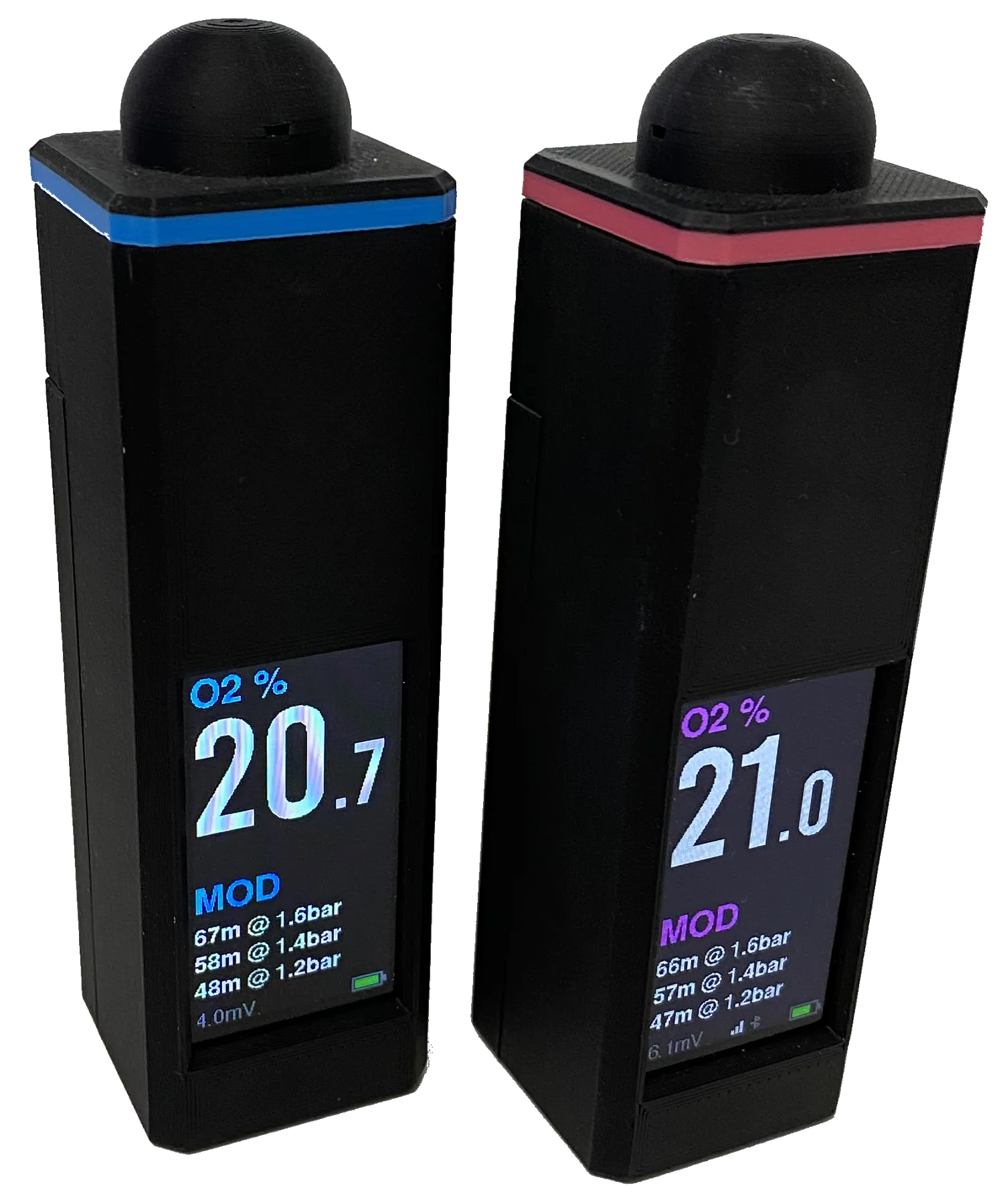
Calibration tells the firmware how the current galvanic-cell signal corresponds to clean ambient air. Verification is the separate check that decides whether the completed instrument is trustworthy enough to use.
Calibration is not a pass certificate
Never repeatedly recalibrate to hide drift, a weak cell, noise, poor sampling, or a wiring fault. If the analyser disagrees with trusted equipment or known gas, remove it from service and find the cause.
Before pressing Calibrate
Control the atmosphere, temperature, pressure, and flow
The firmware stores the current valid cell signal as a 21.0% O2 clean-air reference. The target is fixed; it does not automatically compensate that target for altitude or unusual ambient pressure.
Prepare the instrument
Inspect the gas path, connector, cell, ADS1115 wiring, and battery condition.
Let the analyser and cell reach the ambient temperature where calibration will occur.
Use clean, well-ventilated air away from exhaust, exhaled gas, oxygen, solvents, and blending activity.
Check Diagnostics for a plausible, steady millivolt signal and low jitter.
Prepare the reference
Calibrate at the same ambient pressure at which you will analyse.
For high altitude or unusual pressure, use a suitable pressure-corrected procedure and reference instrument.
Account for humidity and the procedure specified for the chosen cell or reference analyser.
Do not pressurise the cell; use a gentle, controlled sample method.
Stabilise in clean air.Allow the displayed O2 value and Diagnostics millivolts to stop trending after any temperature, storage, or gas change.
Use uncontaminated ambient airStable reference atmosphere
Confirm a valid sensor state.Do not proceed through a disconnected, noisy, weak, or out-of-range warning. Correct the hardware or cell problem first.
Read the status before calibration
Open Calibrate.From the main screen hold the physical button for about 2.5 seconds. Calibrate is the first menu item.
The calibration action has no second confirmationUse the button deliberately
Store the reference once.Hold to select Calibrate only while the cell is definitely in clean air. The firmware accepts a valid, non-noisy signal and stores the factor for 21.0% O2.
Do not calibrate in nitrox or uncertain airSingle-point air calibration
Independent check
Verify before analysing a dive cylinder
Divers Alert Network notes that temperature, pressure, and sampling technique all affect oxygen-analyser readings. A stable screen alone is not proof that the result is correct.
Verification sequence
Return to ambient air and confirm a stable reading near the stored reference.
Apply a known gas or compare simultaneously with a trusted, recently verified analyser.
Use the same controlled flow and sampling arrangement intended for cylinder analysis.
Confirm smooth response, settling, and return to air without unexplained drift.
Print a test label and compare its O2 and MOD with the live display.
Remove from service if
The cell cannot calibrate or has implausible/unstable millivolt output.
Readings disagree after one careful recalibration and controlled comparison.
The response is slow, does not return, or changes with cable movement.
There is moisture, contamination, battery swelling, heat, or damaged insulation.
A reboot appears to clear a fault but accuracy has not been re-established.
When to repeat
Calibrate before an analysis session and after a meaningful change in temperature, ambient pressure, cell, flow hardware, storage condition, wiring, or firmware—and whenever the result is questionable. Always verify after calibration.
Further reading
Independent measurement guidance
Divers Alert Network
DAN explains how temperature, pressure, and poor sampling can affect oxygen analysis.
Analox documents sensor settling, controlled flow, and humidity compensation for its analysers. Follow the documentation for your actual cell and reference equipment.